Talk naturally
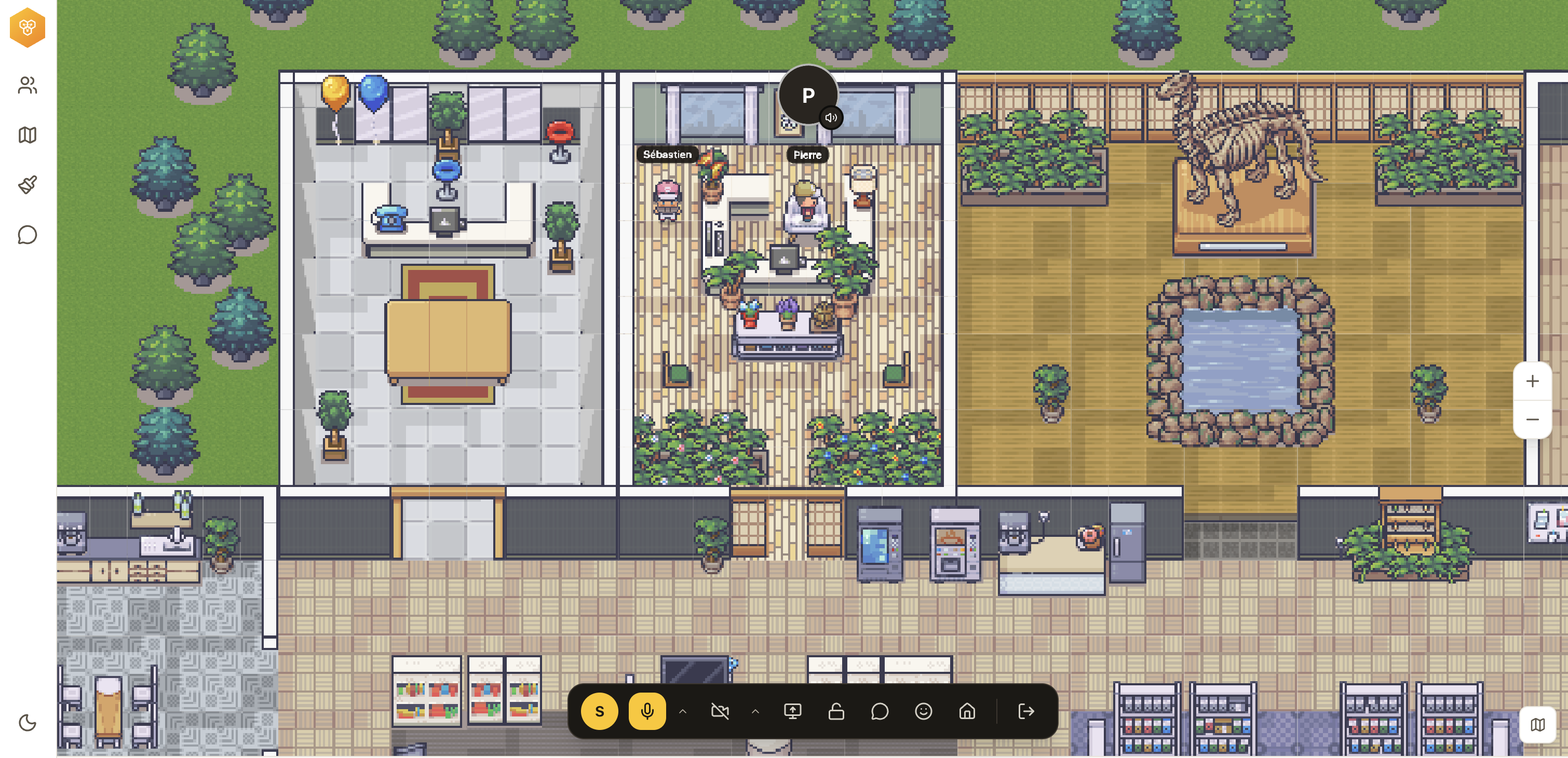
Audio and video start when teammates move closer, then stop when they walk away.
2D virtual HQ · open-source project
See who is around, move your avatar and walk up to a teammate: the conversation starts. No need to schedule a meeting for a two-minute question.
Follow the project on GitHub4 people in the space
Real product screenshots
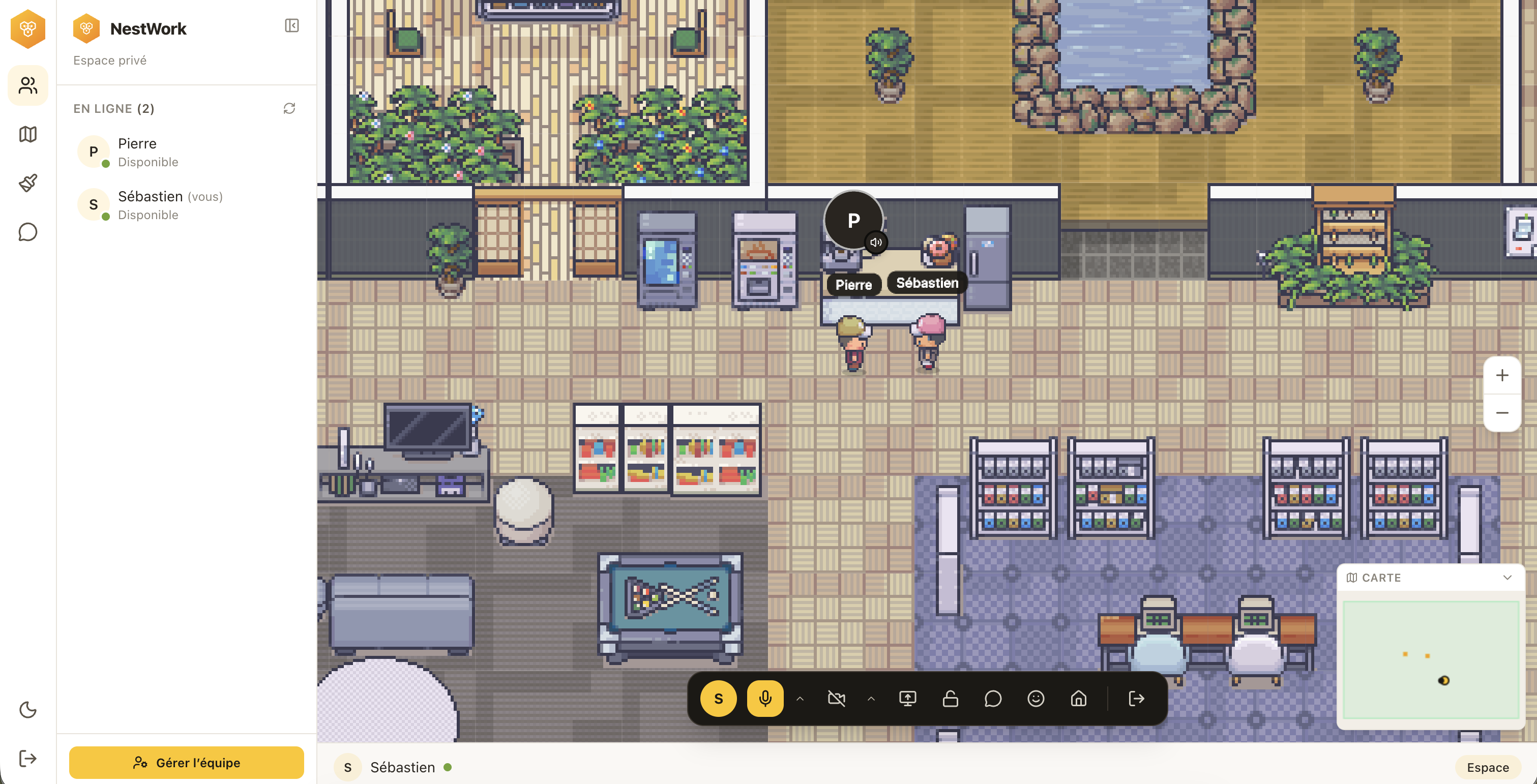
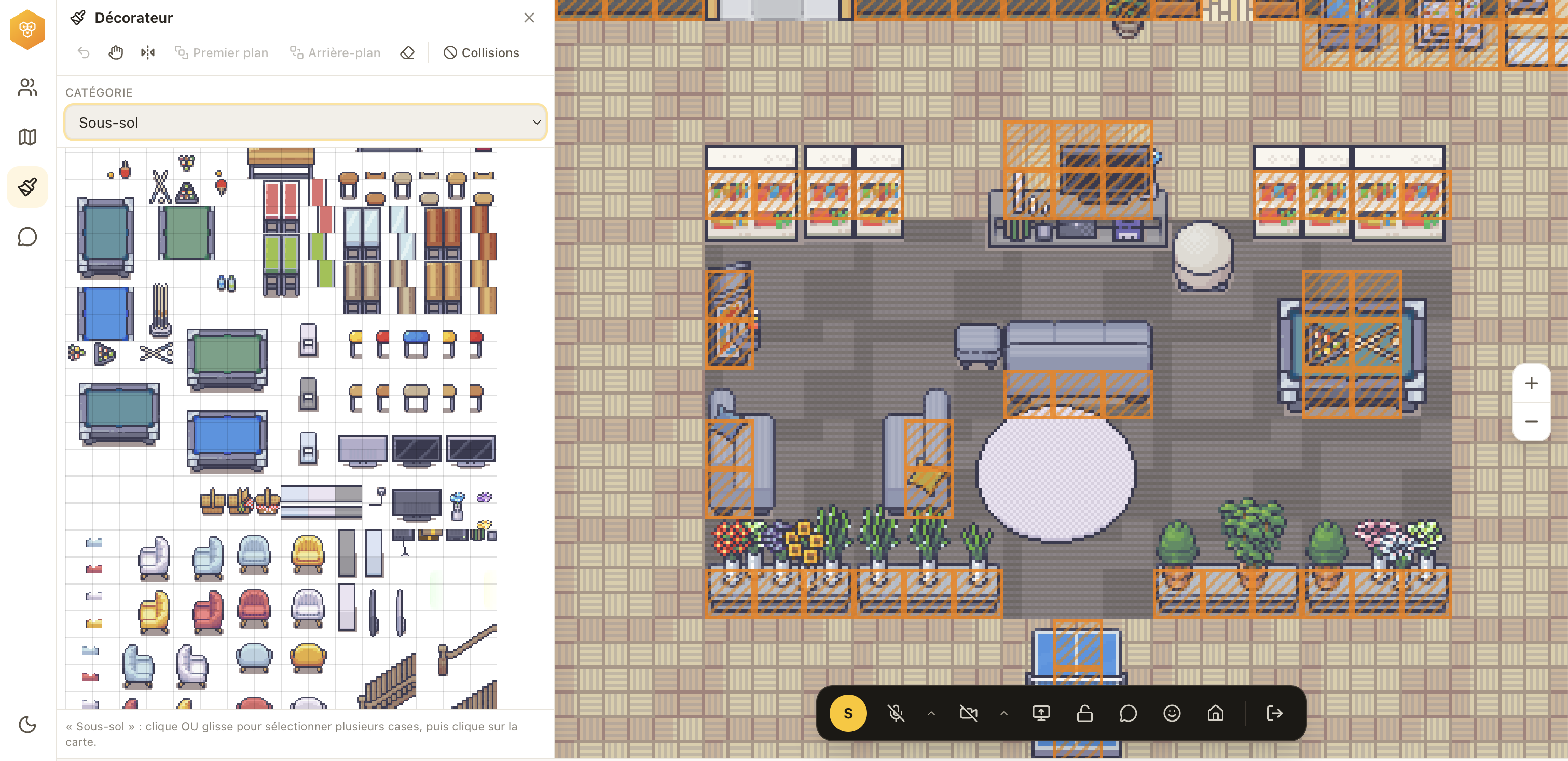
A shared office, conversations that open when teammates walk closer, and a space the team can shape together. These are product screenshots, not mockups.
Why NestWork?
Today
Got two minutes?
Sure. Want to jump on a call?
I’ll send you an invite…
29 minutes to start a conversation.
In NestWork
Conversation open
Walk over. Talk. Carry on.
A day in the space
The office is the interface: it shows where people are, whether they are available and how to reach them.
Your avatar appears in the space. See at a glance who is online, busy or available.
Proximity opens the conversation. Everyone stays in control of their microphone, camera and Do Not Disturb status.
Channels, direct messages, reactions and unread counts keep the thread going after the conversation.
A real place to work
NestWork brings everyday team communication into one shared place without trying to replace every tool you already use.
Audio and video start when teammates move closer, then stop when they walk away.
Review a design, a document or a bug together without leaving the space.
Channels, direct messages, mentions, images and reactions stay available after the conversation.
Arrange desks and rooms to create an office your team recognizes as its own.
Present does not mean interruptible
Presence gives context, not permission to interrupt. Your microphone and camera start off, and Do Not Disturb closes the door.
Open-source project
NestWork is being prepared for an open-source release. The repository, code license and separation of third-party assets are currently being finalized.
Third-party visual assets remain covered by their own licenses; every source is documented on the credits page.
Guided pilot · teams of 4 to 12
We define how your team will use the space, create access and guide the first session. Your team then uses NestWork through a real working week.
This button prepares an email to contact@nestwork.site. Nothing is sent automatically.
Before you come in
No. NestWork runs in a desktop web browser.
No. They start off and remain under each team member’s control.
No. NestWork adds a shared sense of place and makes spontaneous conversations easier. It works alongside the tools your team already uses.
The open-source release is in preparation. The repository and its license will become public once third-party visual assets have been properly separated.
Teams of 4 to 12 that regularly work the same hours, either remotely or in a hybrid setup.
The office is open